01 / learner contextMake intent explicit
Goals, interests, expertise, selected subtopics, and preferences become structured inputs to the course flow.
React Context · TypeScriptGive curiosity somewhere to go.
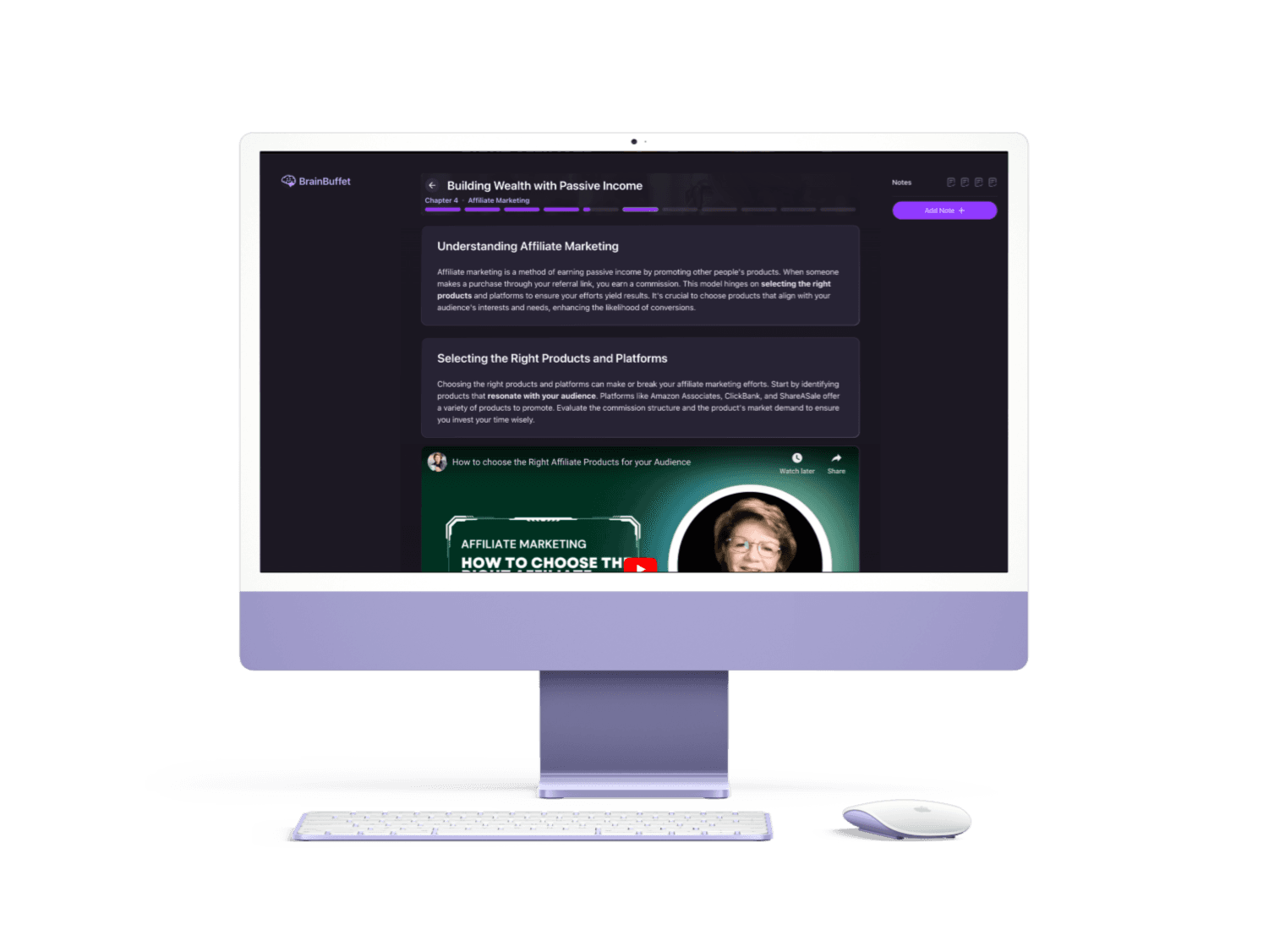
A saved desktop composition brings the chapter experience together: a visible route through the material, contextual video, and notes beside the work.
A topic is a starting point. A useful course also needs to understand what someone knows, what interests them, and what they want to do next. I built BrainBuffet's product experience around that context: shape a pathway, inspect the plan, and move through the material without losing your place.
The consequential problem
Someone arriving with a broad interest may not know which subtopics matter or where their existing knowledge stops. Asking them to specify the entire curriculum up front puts the hardest planning work on the learner.
The experience needed to make that planning gradual, then carry the resulting context into a course with a visible structure and a clear next step.
What I saw
I separated course creation into topic, expertise, subtopics, learning preferences, and a short expertise quiz. The selected topic and experience level feed subtopic recommendations; the chosen subtopics then shape the quiz request.
That sequence turns an abstract promise of personalization into choices a person can understand and influence.
The decision that changed the system
The preview exposes the course description, expected outcomes, and chapter outline. During generation, the interface checks the course's status and waits for usable preview data. Inside a chapter, the lesson, quiz feedback, progress, and notes share the same context.
I treated those transitions as product states with their own purpose. The learner can see what is being prepared, what they are studying, and what they have already worked through.
Choose a topic and bring goals, interests, and experience into the creation flow.
Refine the scope through subtopics, preferences, and an expertise quiz.
Inspect expected outcomes and the chapter plan after generation.
Read, answer, and keep notes with chapter-level progress.
System anatomy / rationale / surfaces
React providers coordinate the creation and chapter experiences. The web client integrates with course, quiz, progress, and note services through a session-aware API layer.
A topic alone hides the learner's starting point
Gather expertise and refine subtopics before generation
The request carries useful constraints instead of asking the learner to write a complete curriculum prompt.
Goals, interests, expertise, selected subtopics, and preferences become structured inputs to the course flow.
React Context · TypeScriptA course identifier connects generation status to a preview with outcomes and an inspectable outline.
Next.js routing · course APIA reducer coordinates the active step, selected quiz answers, and progress restored from chapter data.
React reducer · chapter APINotes retain course, chapter, and step identifiers so observations can return with the material they refer to.
Supabase session · notes APIThe request carries useful constraints instead of asking the learner to write a complete curriculum prompt.
The interface has a place to explain progress before inviting someone into the lesson.
Progress and personal observations stay attached to the relevant material.
The system becomes tangible through the places people encounter and use it.
A sequence of choices builds the learner's brief.
Outcomes and the chapter outline make the proposed course legible.
Lesson content, video, quiz feedback, and navigation share one focused surface.
Course and chapter filters help a learner revisit their own observations.
Next.js · React · TypeScript
Tailwind CSS · NextUI · Framer Motion
Supabase Auth · Axios · course and notes APIs
Select a tool to see the role it plays in this system.
Routes connect course creation, preview, and study while retaining the course identifier between stages.
Authentic proof
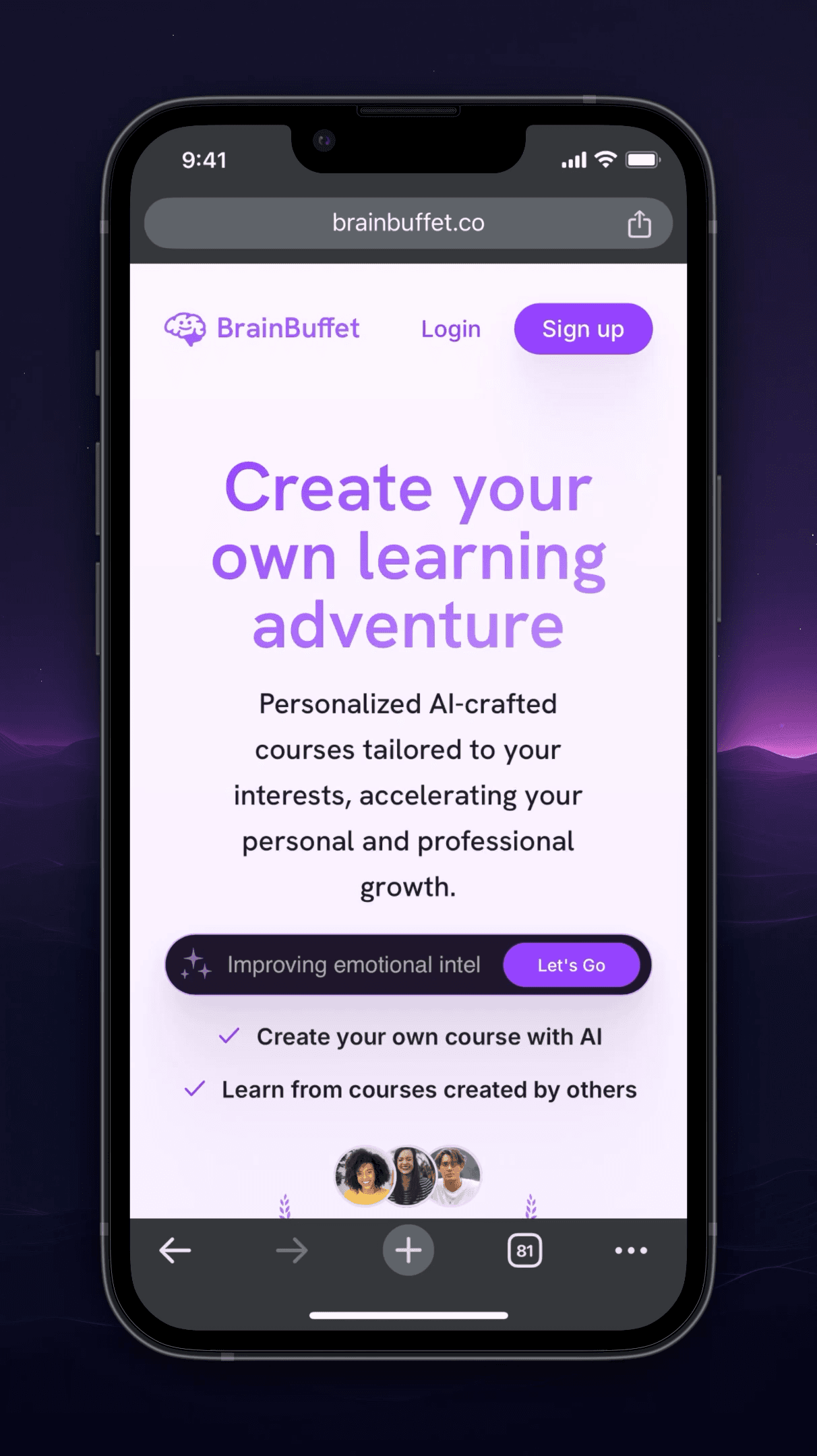
The original mobile composition begins with a topic and an invitation to explore. A small first action opens into the more deliberate work of shaping a course.
What changed in my operating model
Building BrainBuffet taught me to look beyond the lesson itself. The preview helps someone decide whether a course fits. A clear generation state explains the wait. Progress and notes give a returning learner somewhere familiar to begin.
The product remains a prototype. Its next useful test is the whole journey: whether someone can turn an initial question into a completed lesson, then return with enough context to keep going.